
Easy start
How to use
3 steps for quick setup
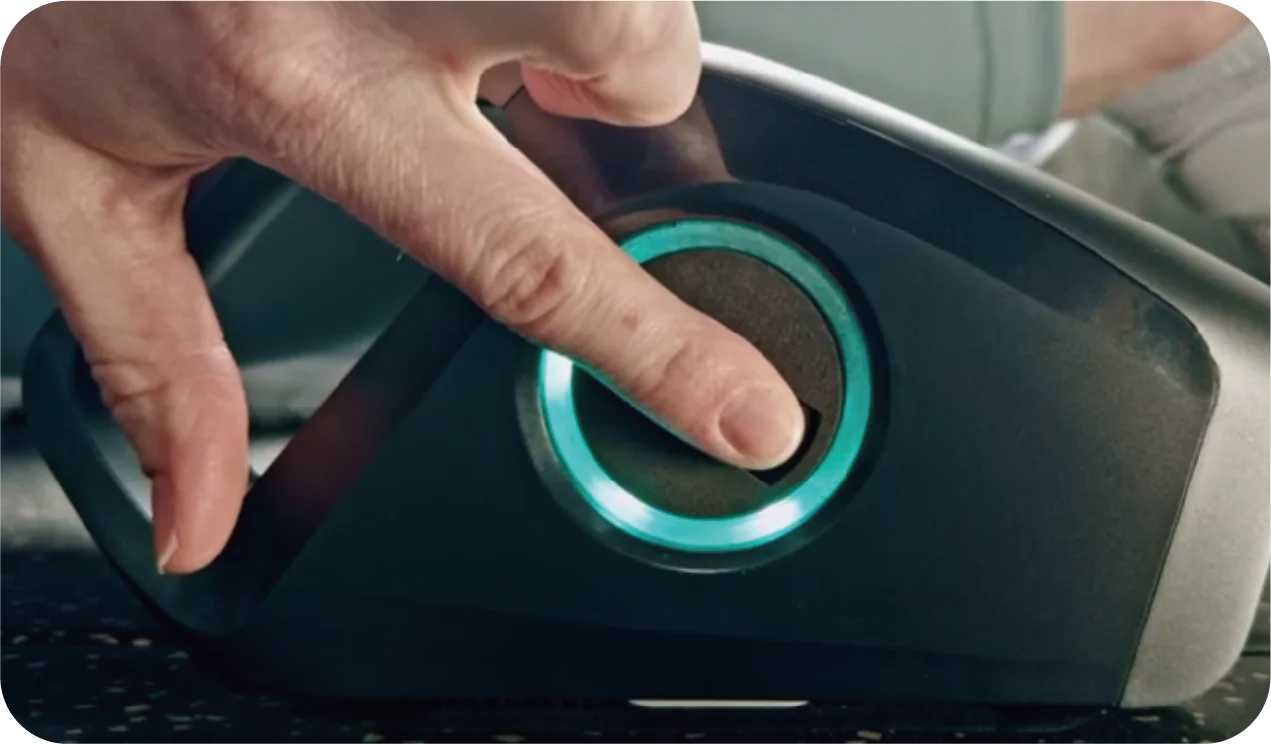
Step 1
Press and hold the multi-function button for 1 second to turn on the RheoFit A1.
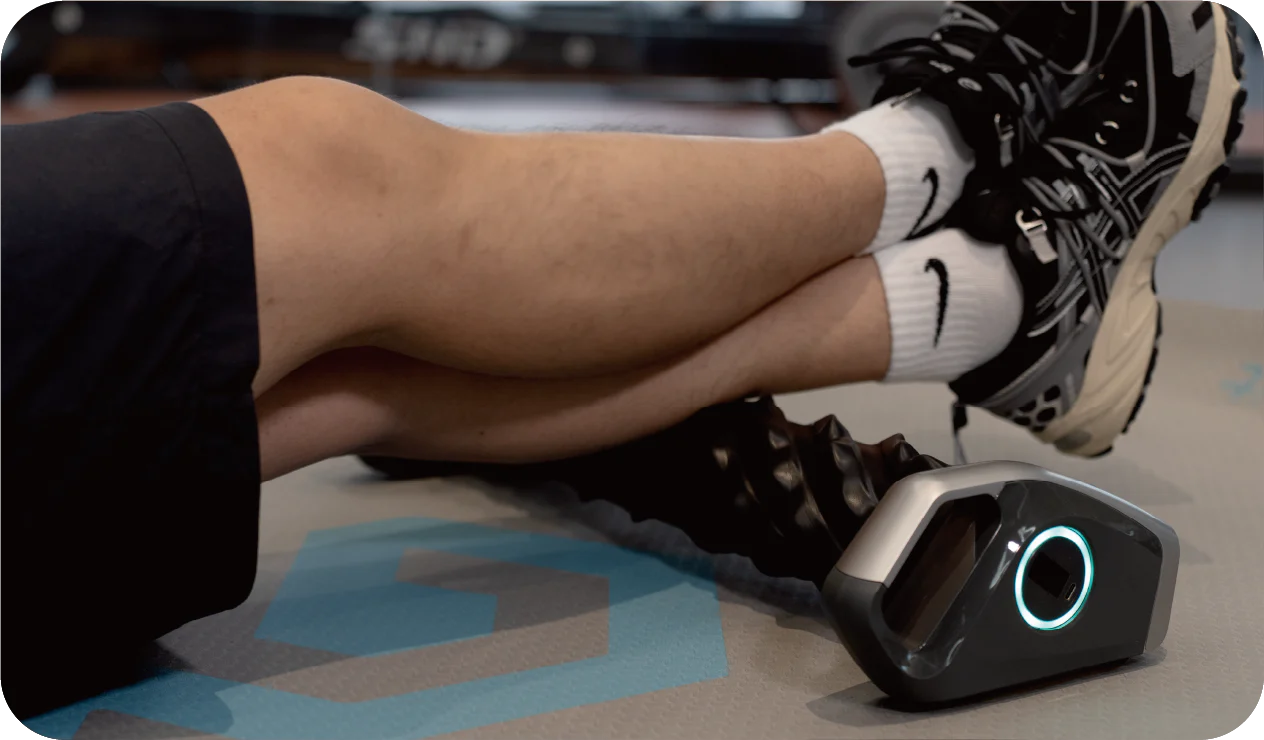
Step 2
Double-click the multi-function button or follow the instructions in the app to control RheoFit A1.
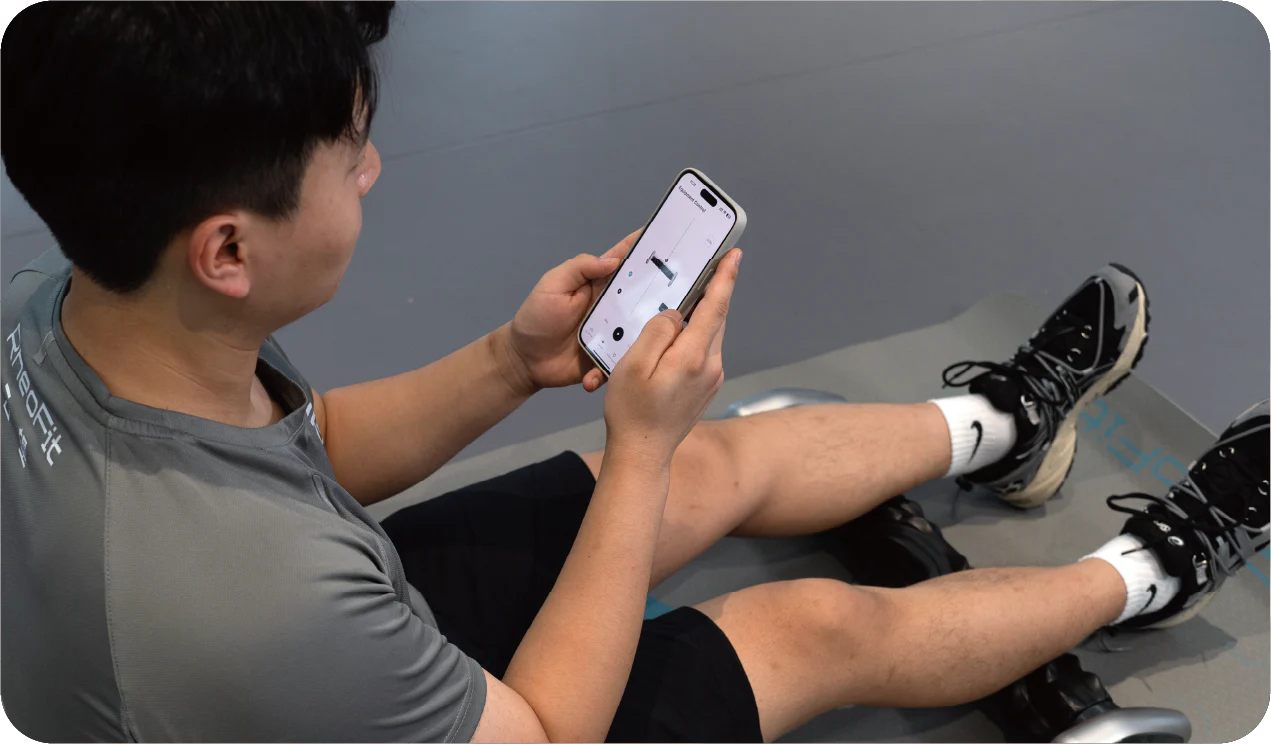
Step 3
Personalize your settings (speed, AI mode, etc.) via the app for individual use!
Using
RheoFit A1
Application Guide
Downloading the program
Customizable massage settings in the RheoFit app, smart recommendations, remote control, and user support without monthly hassles.
Download the app for IOS and Android

iOS
Android
Download the app for IOS and Android


Massage cover replacement instructions
For more educational content, check out the mobile app.